FormsPlus Home Page
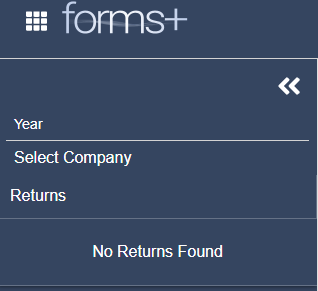
Once logged in to Stratus and in the FormsPlus product (selected from the navigation grid), the Home Page will load with a blank screen and empty tree on the left of the page. To begin working in FormsPlus, select the tax year and company you need.
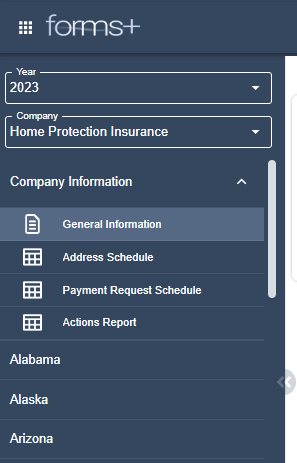
After you select the Tax Year and Company, the following Tree is loaded. You will have access to the Company Information folder and all the available forms from this Tree.
 Email Support
If you have any questions about the program, click on the Email Support icon. This will generate an email for you to contact Stratus Support.
 Need help?
Click on the Help icon to be taken to the Stratus FormsPlus Help Files page in a new tab.