Icons
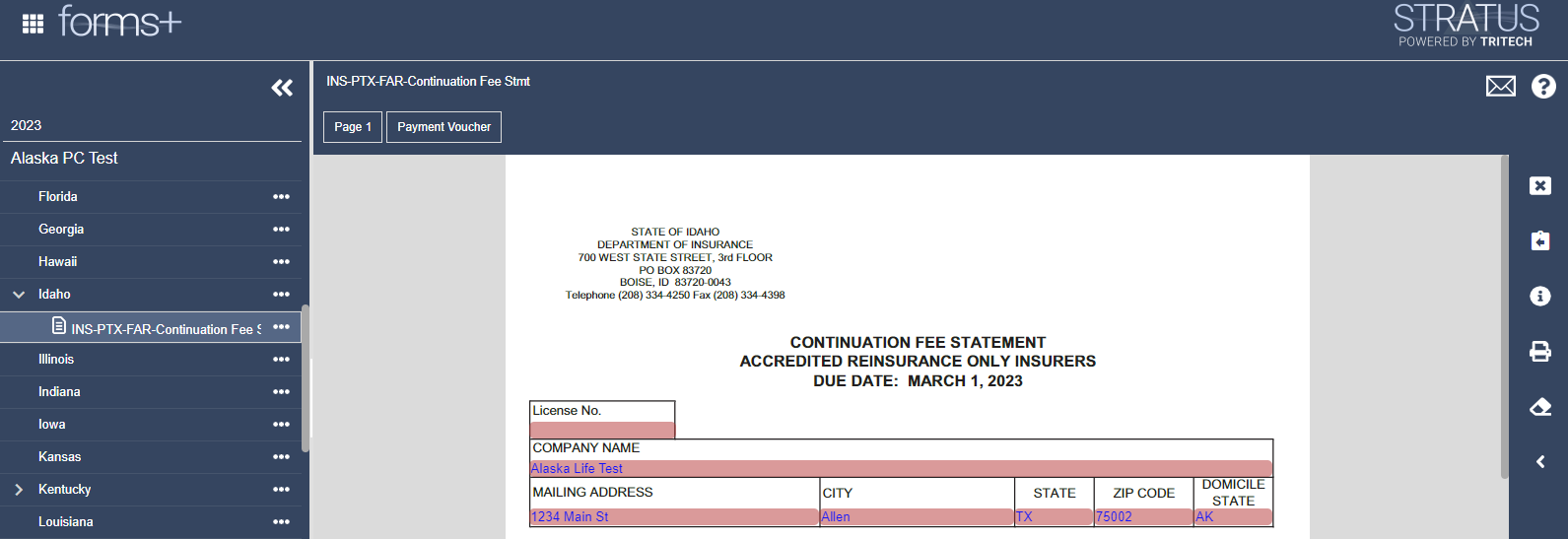
On the right side of the screen is the icon bar. The only icons you will see at any given time are the icons available to the page you have open. Example, if you are working on a checklist, the button that will take you to the payment request will not be activated because no payment is due on a checklist. Hover over the icons below to learn what each one means.