Schedules & Reports
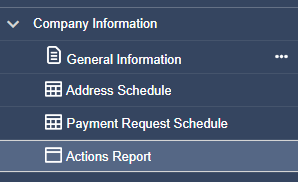
In the tree you will also find the Payment Request Schedule and Actions Report. Each can be navigated with the same filters as the Address Schedule.
Payment Request Schedule
Any form that has payment attached to it will populate along with the amount that is owed, based on the return that has been completed. A return must contain a monetary value to be paid in order to populate in the Payment Request Schedule.

Actions Report
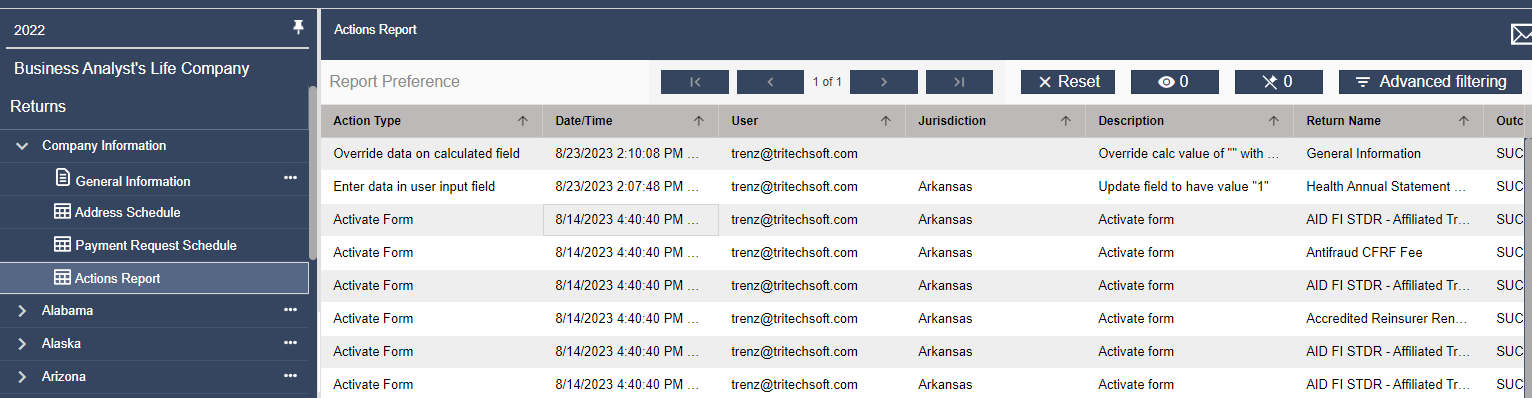
The Actions Report tracks actions such as when filings are locked, unlocked, amended, and e-filed, as well as any value overrides that occur. Each listed action details the user name, a time stamp, and on which form the action occurred. Note that the action report may consist of multiple pages, so an arrow tool to move from page to page is located on the toolbar at the top with the other filter buttons.
Filtering and Sorting
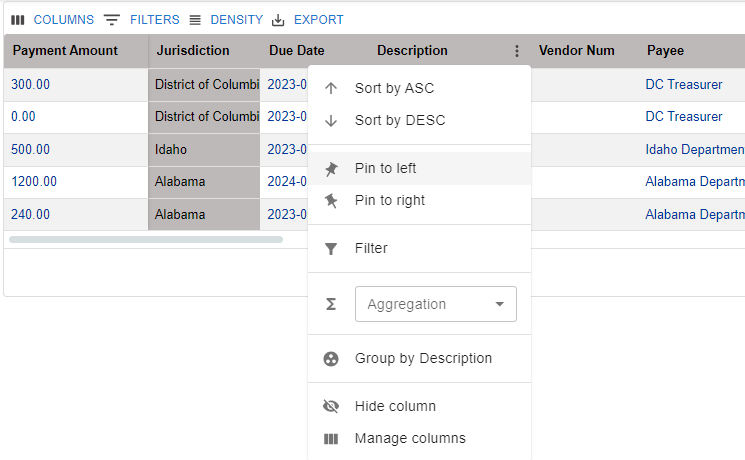
Each of these reports can be filtered by clicking and dragging a column header or clicking on the “more” (three dots) icon on the right side of each column header. To view in ascending or descending order of one column’s data, select the arrow that appears when hovering over that column header.